How to edit the NEON website
Editing the website is something all NEON staff should be able to do. Read this guide and if things still aren't clear, ask everin@commonknowledge.coop
The website editor runs on the Sanity.io platform
You can find the NEON website editor at https://neon-website.sanity.studio
It runs on a platform called Sanity.io. Check out the standard user manual first if you have questions about the tool and how to achieve certain things. Particularly useful guide pages include:
Please note NEON is using the free tier of Sanity which doesn’t allow access to all editor features mentioned in their user manual, so check pages for a “paid feature” badge if you’re confused why they do not show up in your website editor.
It's easy to add new pages
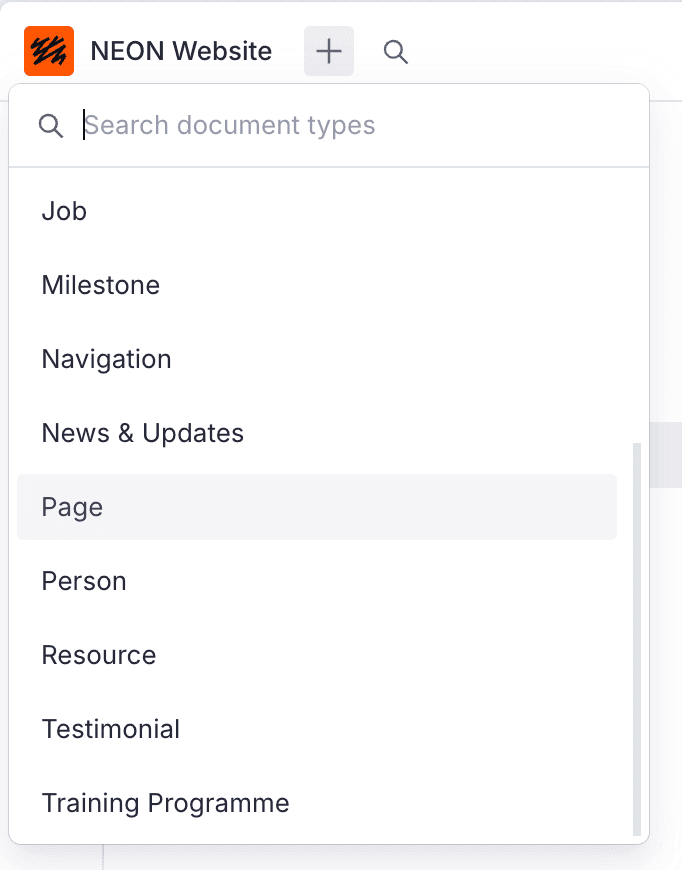
The fastest way to add new pages is to click the + button in the top left hand side of the page.
You can also use the search icon to the right to find any page, event, resource or whatever else.
New training programme
New training programmes must have a URL for a third party website.